Front Office Ergonomics for Hygienists Who Chart
Apply ergonomic principles to charting and administrative work to protect your neck, shoulders, and wrists between patients.
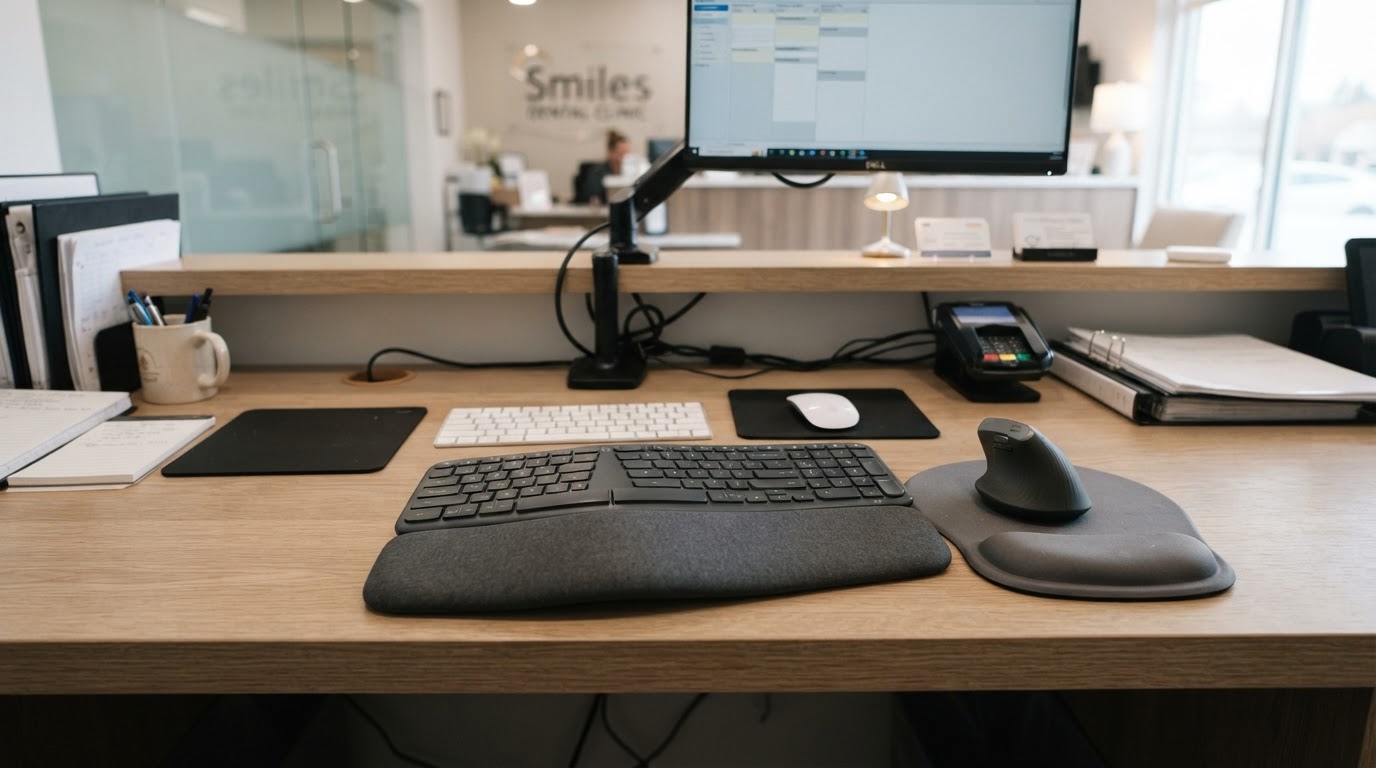
The Hidden Strain of Admin Work
Administrative work between patients carries its own ergonomic risks. Poor monitor height and keyboard position create neck and shoulder strain that compounds the physical demand of clinical care.
Workstation Setup
- Place the top of the monitor at or just below eye level.
- Keep the keyboard at elbow height with wrists neutral.
- Use a chair that supports the lumbar curve during seated charting.
Breaking Up Sustained Posture
Even ideal workstation setup accumulates strain if held too long. Stand, stretch, and reset between charting blocks to interrupt sustained posture.
Practical Takeaway
Set the monitor at eye level, keyboard at elbow height, and support the lumbar curve, then break up charting with standing resets to interrupt sustained posture.
Disclosure: This post may contain affiliate links. If you purchase through these links, RDHPlanet may earn a small commission at no additional cost to you. We only recommend products we use and trust clinically. See our affiliate disclosure for full details.
Authoritative Dental Resources
Join the RDHPlanet Weekly Newsletter
Practical, evidence-aware insights for working dental hygienists. Delivered straight to your inbox every Sunday.
Related Articles
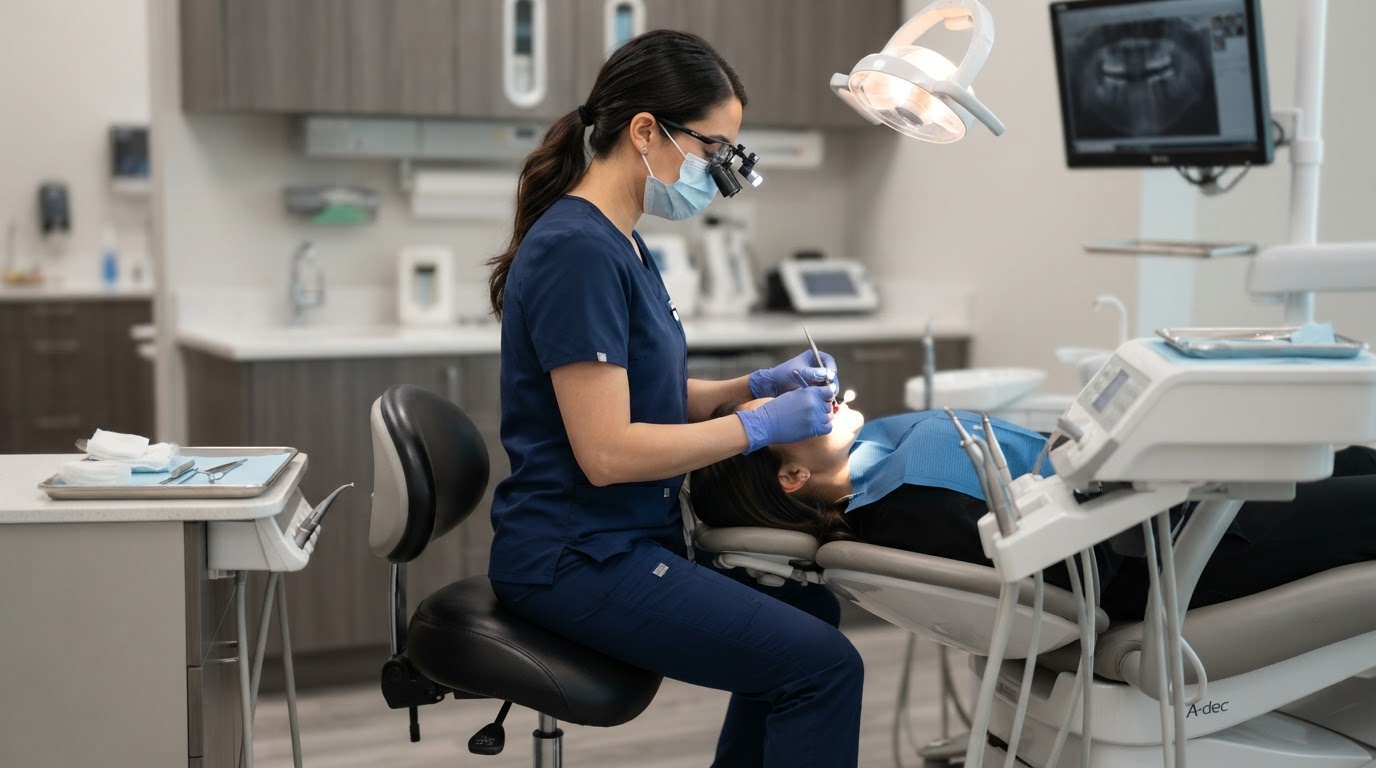
Achieving Neutral Seated Posture in the Operatory
Establish a neutral seated posture that protects your spine, shoulders, and wrists across a full day of patient care.
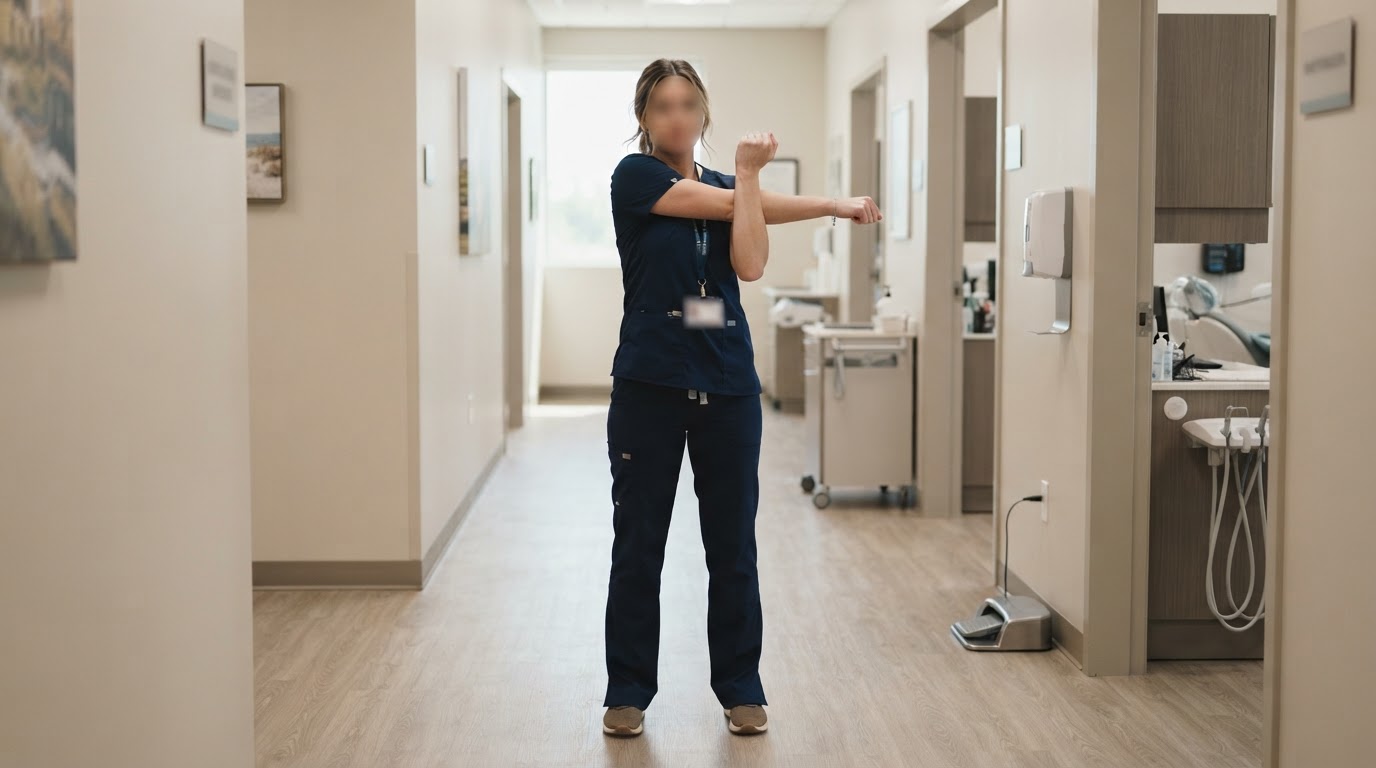
A Stretching Routine for Between-Patient Recovery
Use a short, targeted stretching routine between patients to counter sustained posture and reduce cumulative strain.